The Digital Proficiency Course

Building Digital Resilience and Confidence to Stay Safer Online

Equip your pupils, parents, and staff with the knowledge to navigate the online world safely. This video-based course covers the “5 C’s” of online risk: Content, Contact, Conduct, Commerce, and Cyber Security.

With short, age-appropriate modules for all learners, gain actionable insights for your school community’s level of online safety knowledge.


Certification

Gaining Your Certified Status

Ready to showcase your school’s commitment to digital safety? When your whole school community leans in, we celebrate your success.

The Criteria

To qualify for official certification, the online safety course must be completed by:

All Staff

All Pupils

10% of Parents and Carers
What You’ll Get

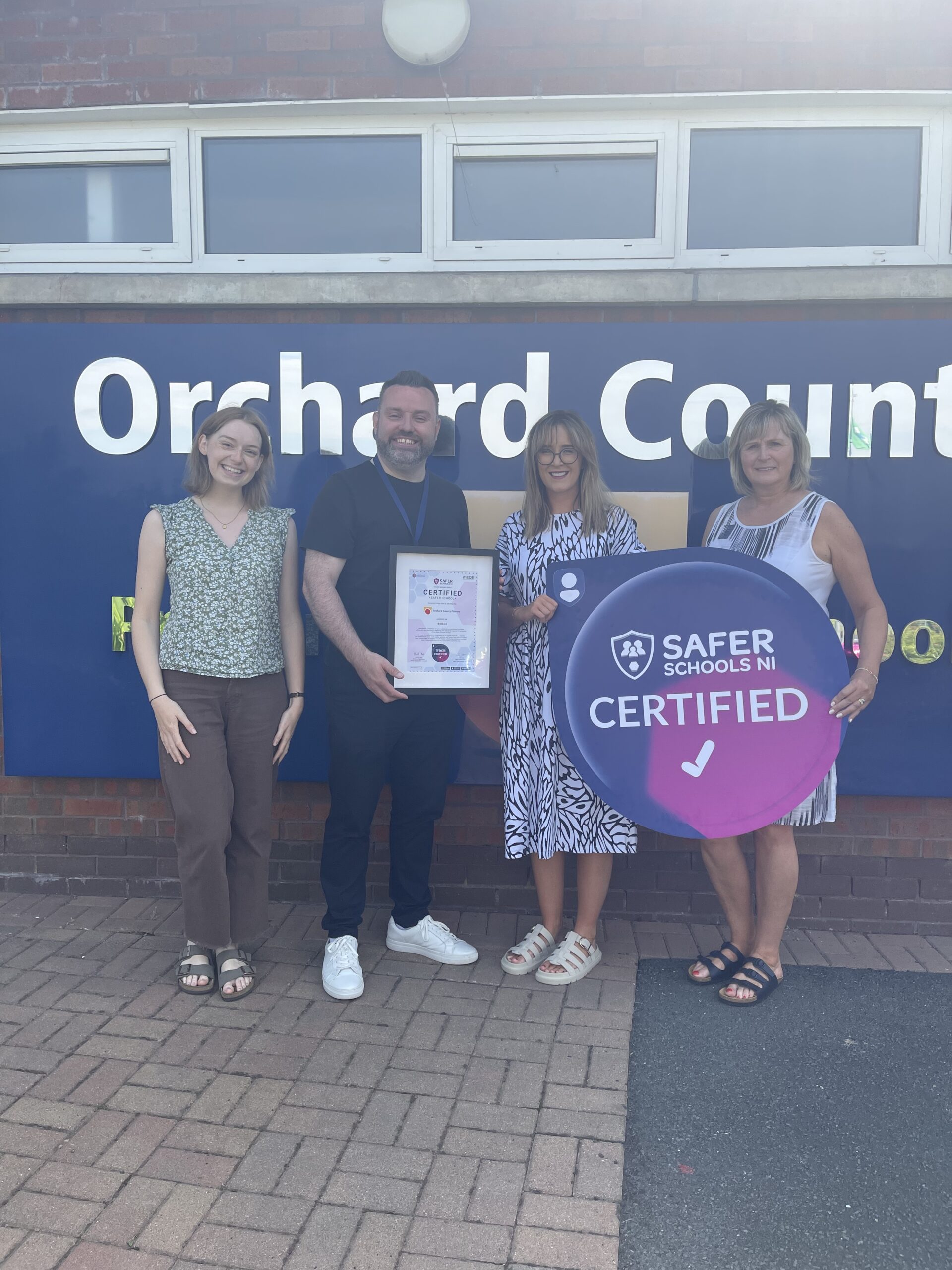
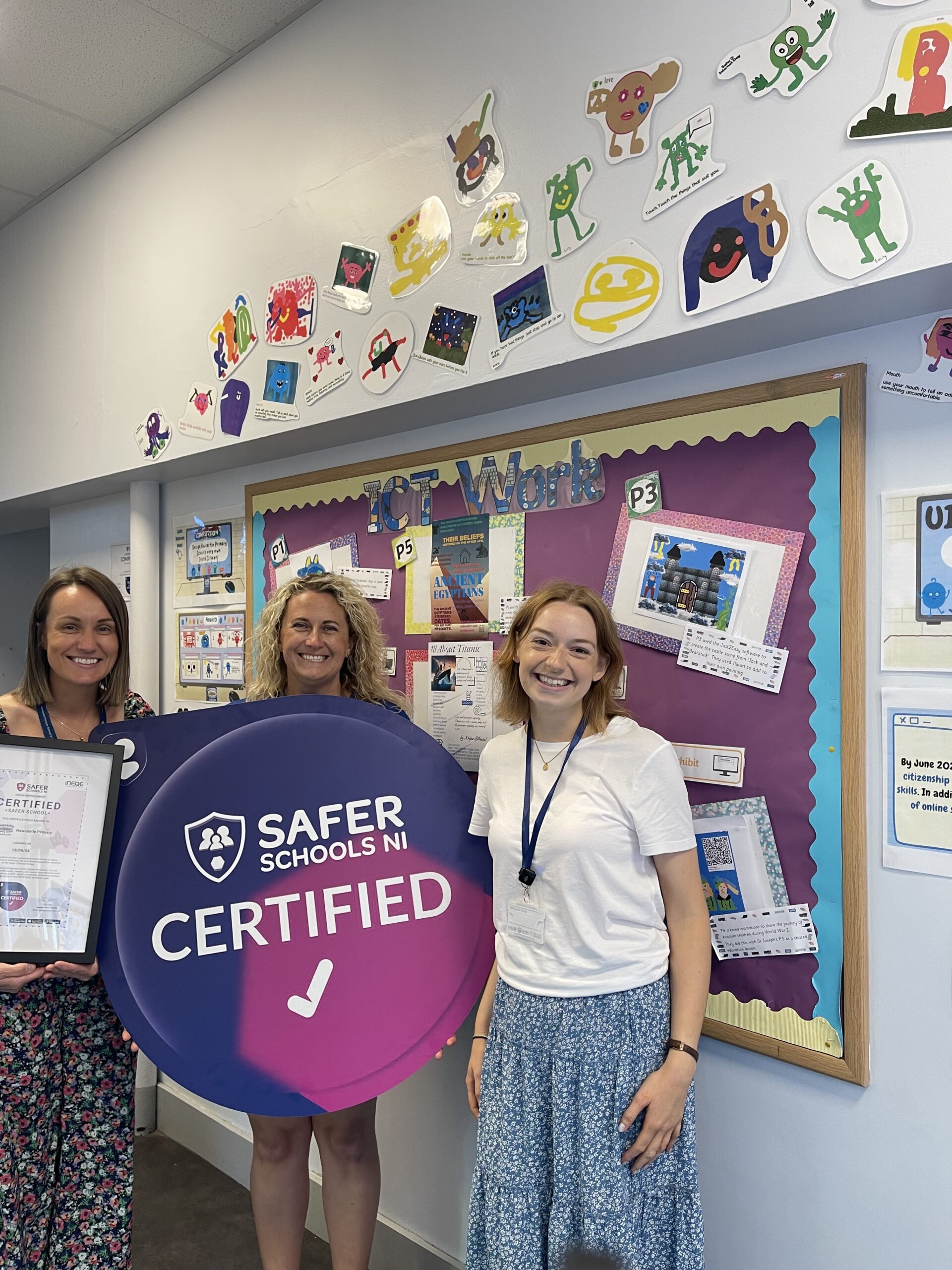
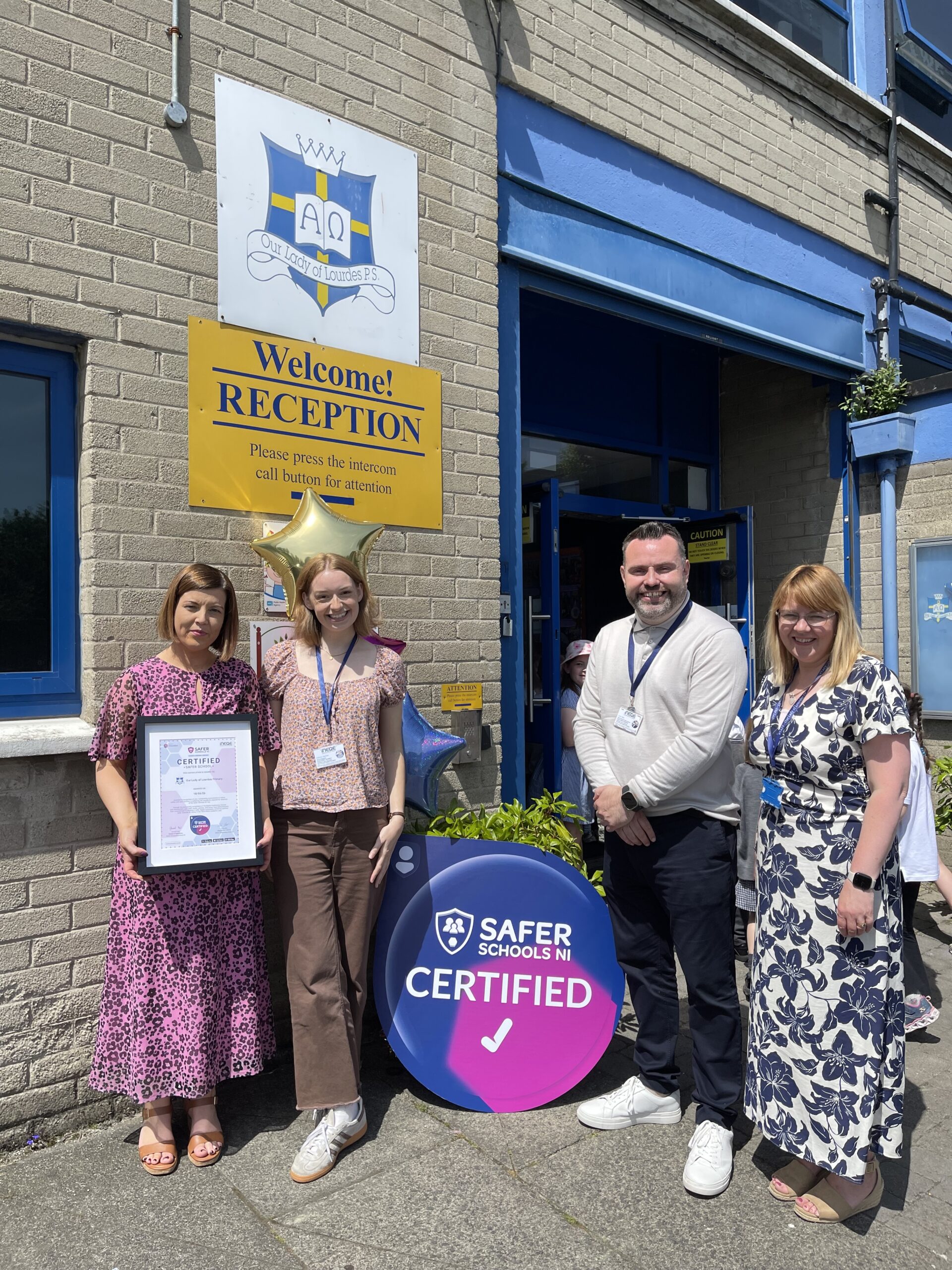
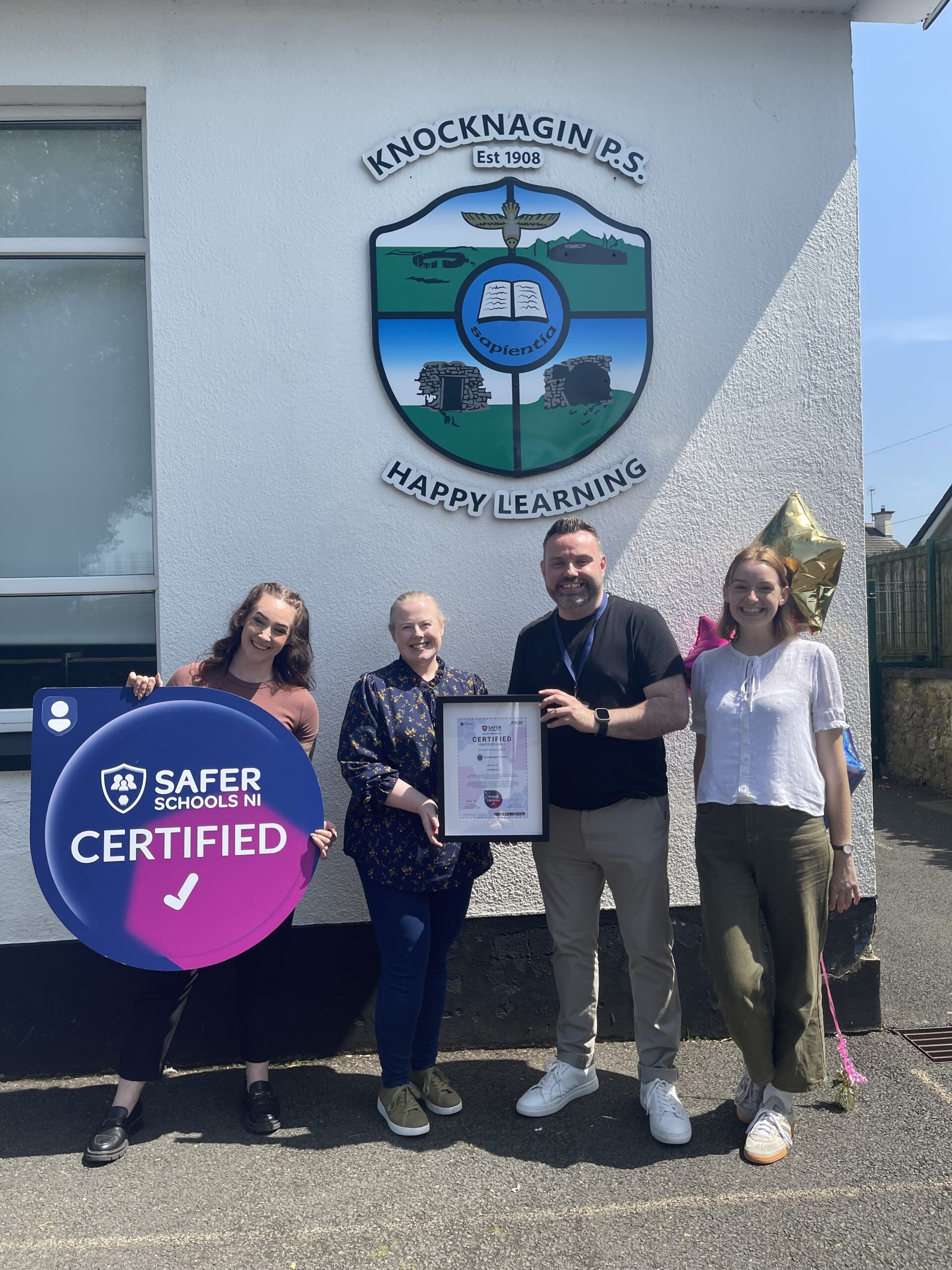
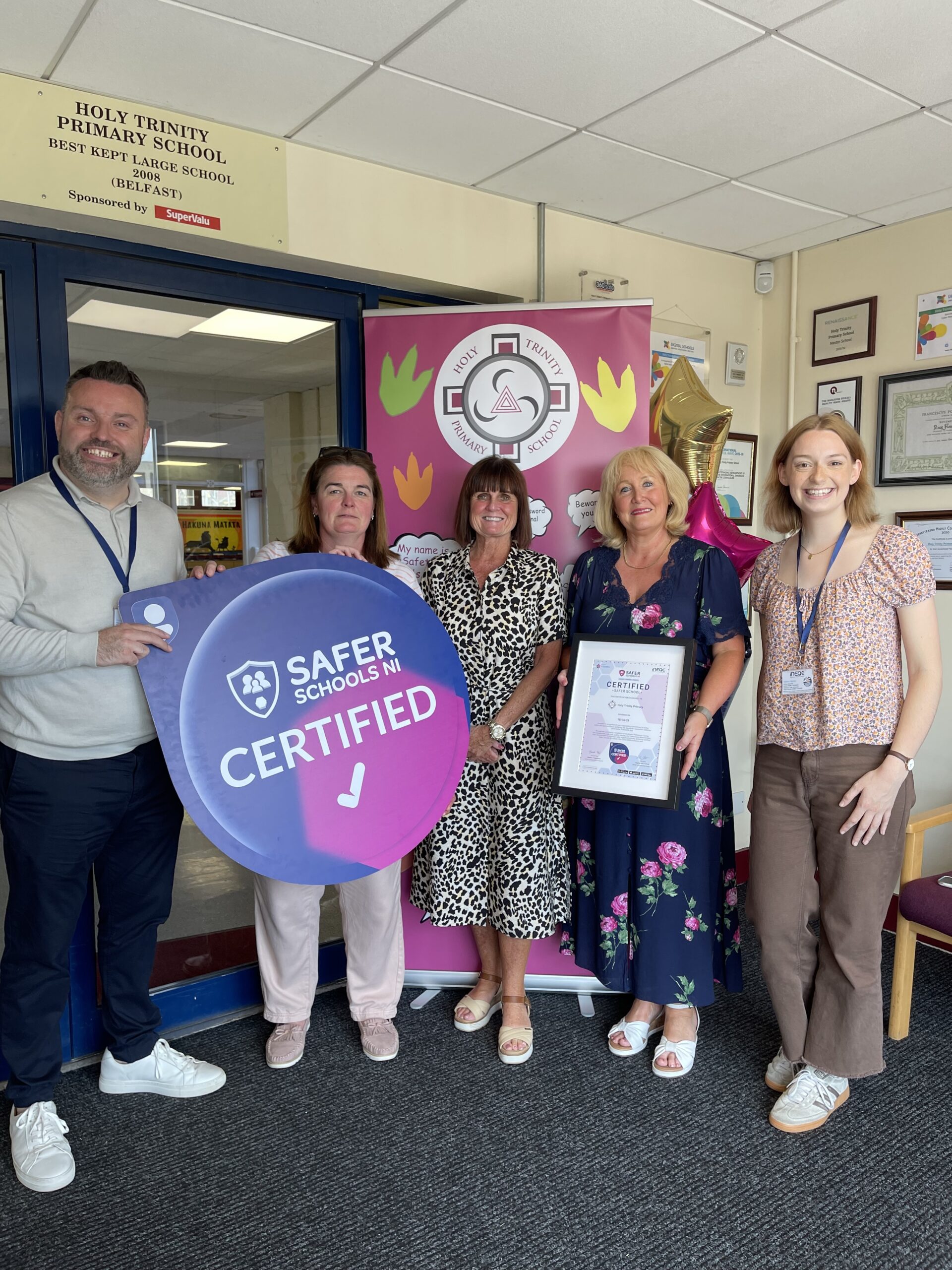
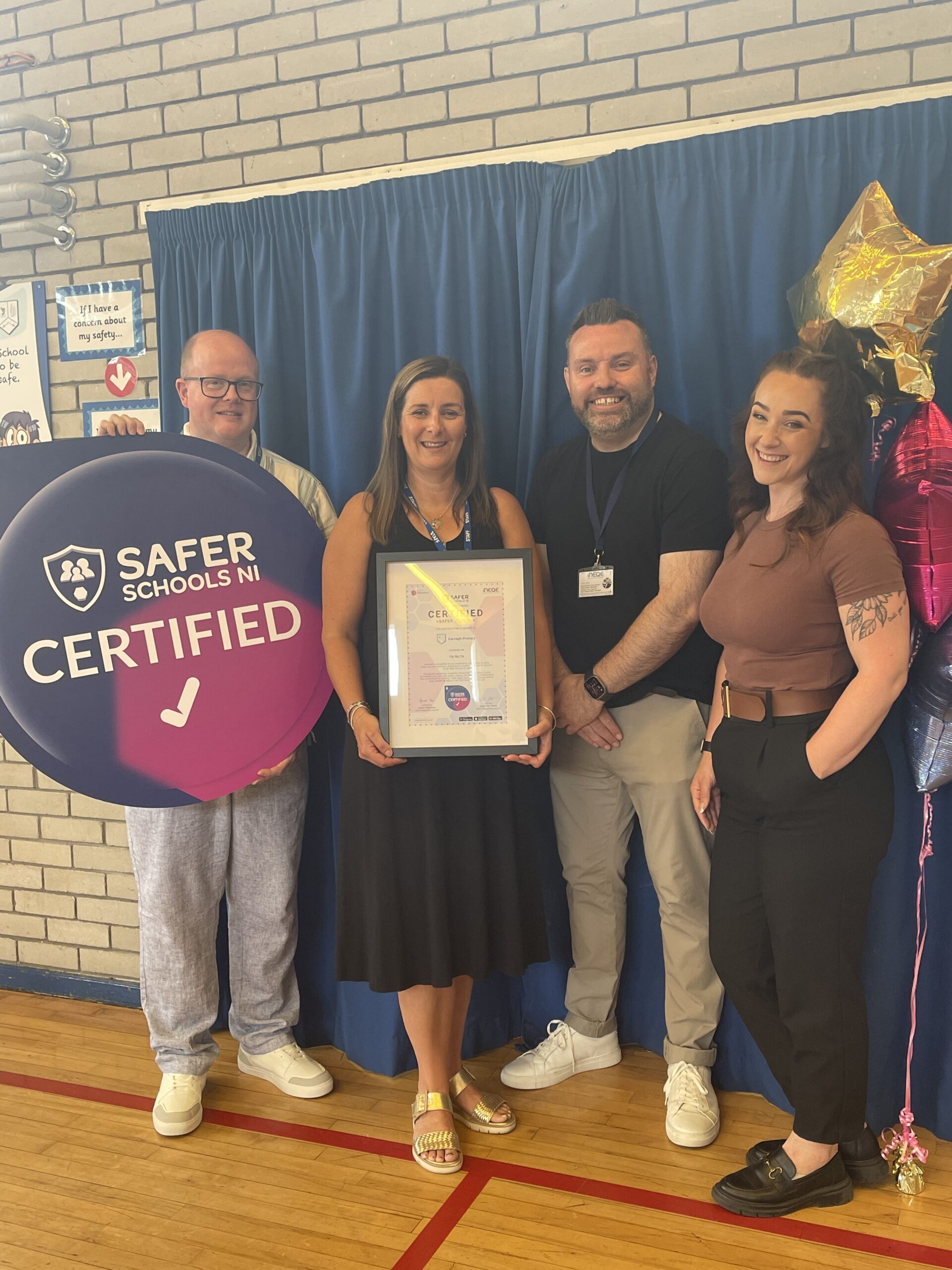
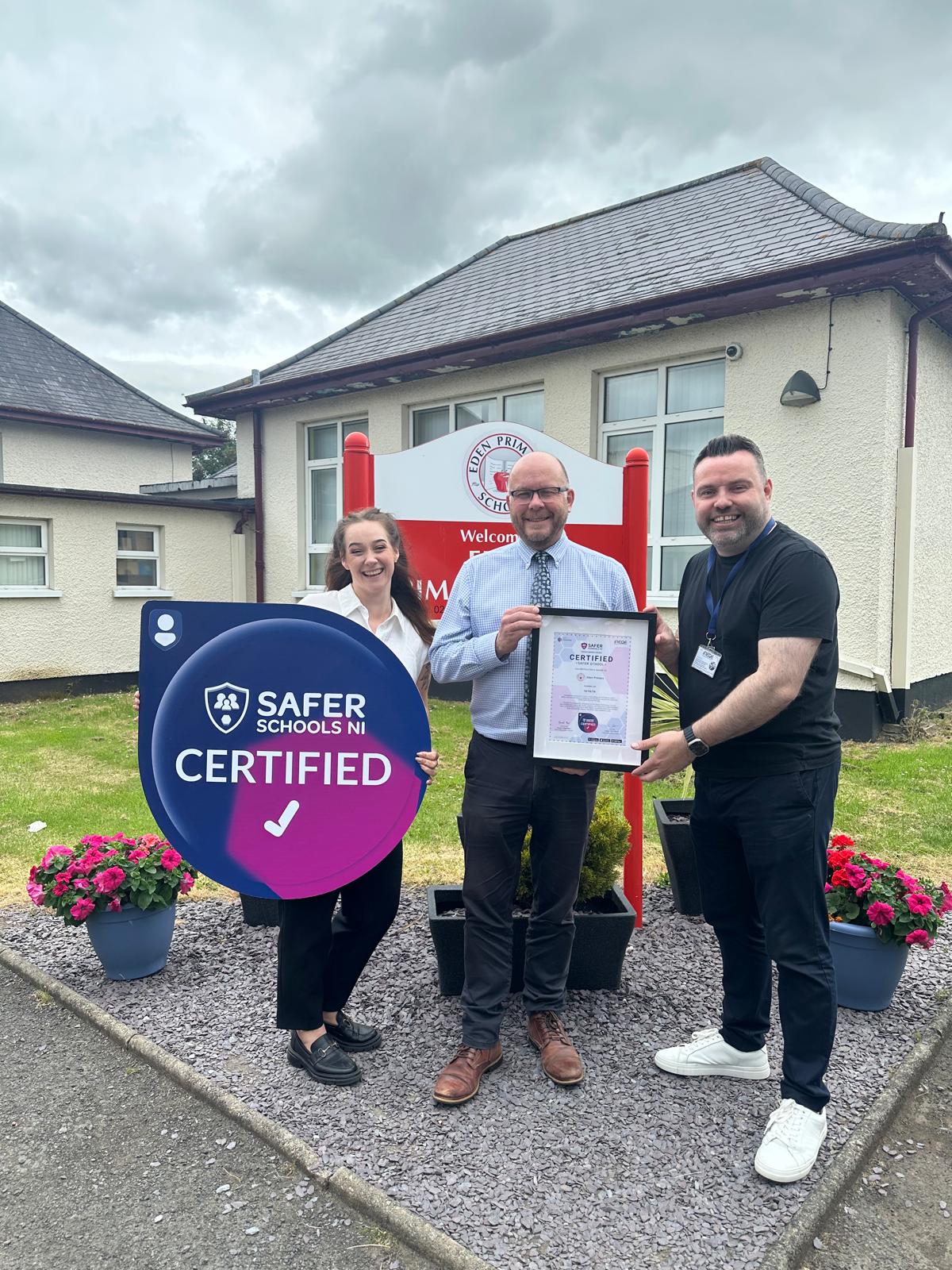
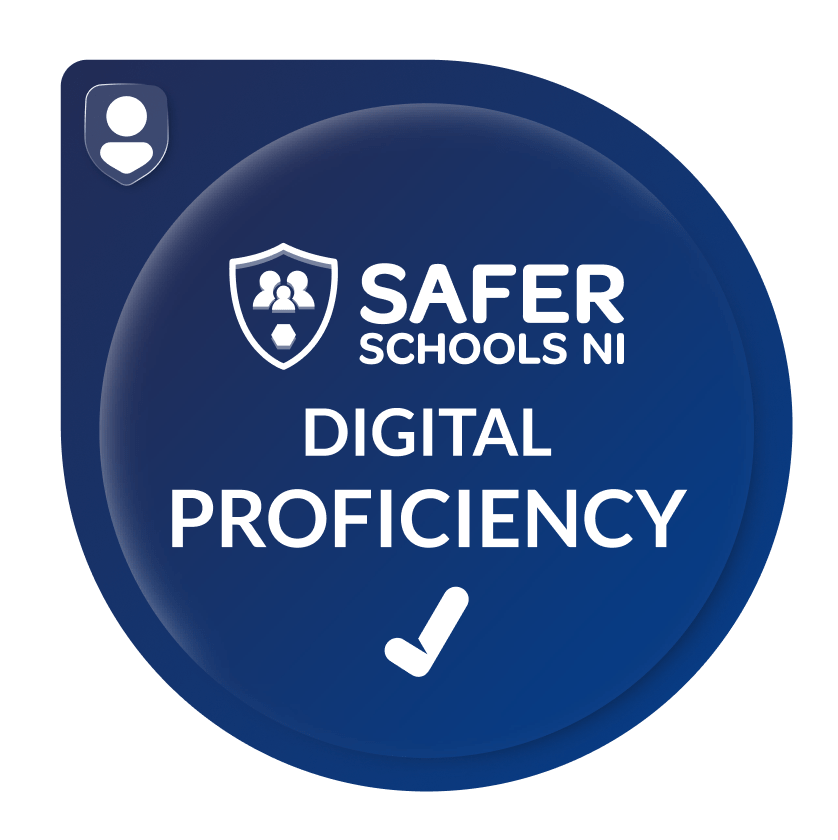
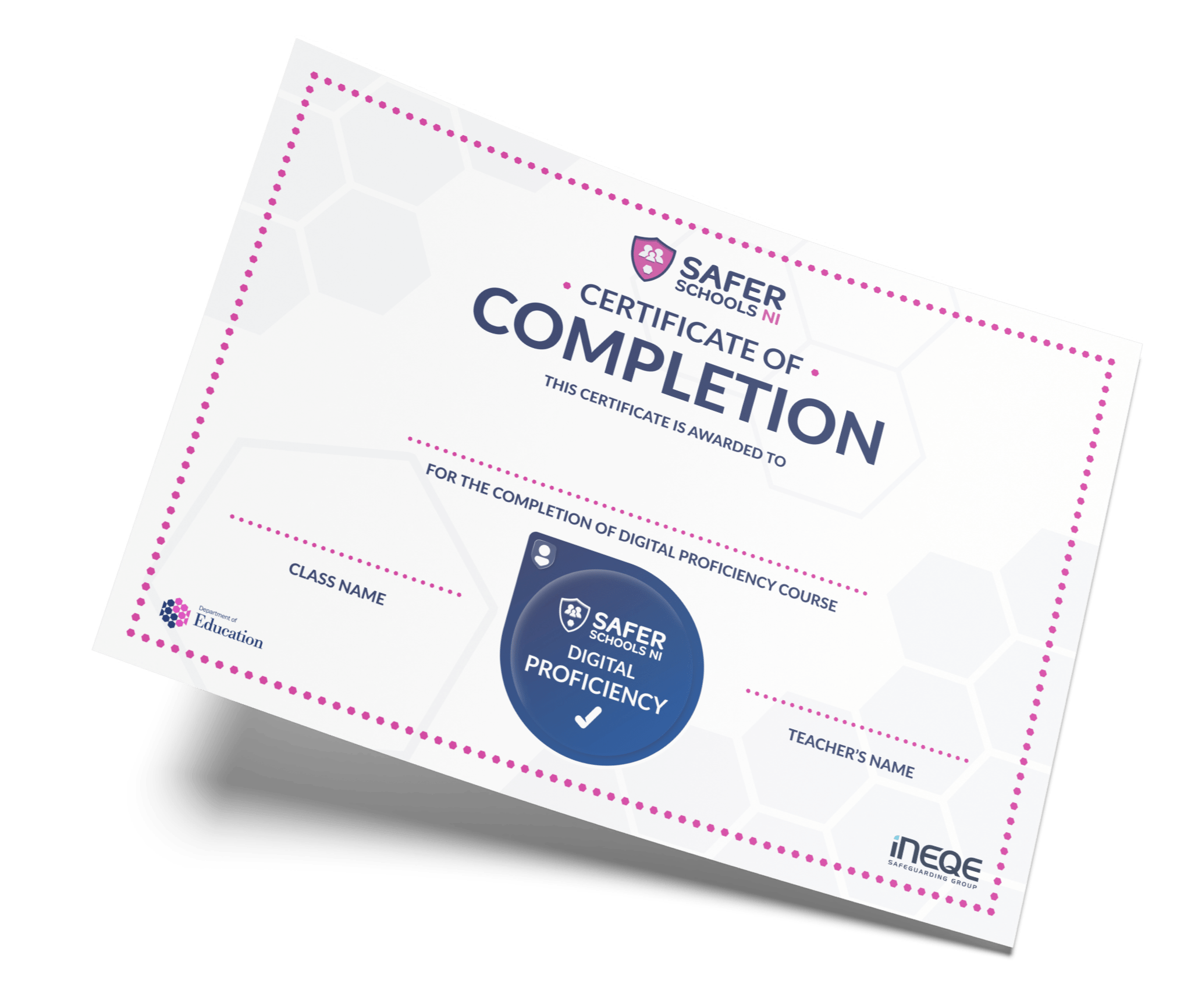
Upon a successful review of your portal, you’ll receive an official certificate and digital badge. Display them proudly on your school walls, website, social media, and email signatures.

Why It Matters

This certification isn’t just a badge, it’s a powerful tool for future school inspections and reports. It shows prospective families that you don’t just talk about safeguarding; you actively practice it.
Our certified School Communities

Hear From Schools That Have Already Become Certified

It is incumbent on us to ensure that children are accessing digital technology safely, and that’s where the award came in… they need to be able to access digital technology in a safe, secure environment, and this gives them a platform for doing that.

– St Anne’s Primary School, Belfast

The videos were fantastic to watch, and very engaging. And they were short and sweet… the report/remove button was a big one that I think a lot of people, parents and staff, didn’t really know about… but the whole course in general was very beneficial for everybody.

– Holy Trinty Primary School, Belfast

I would very much recommend the course to everyone. It makes quite complex scenarios very accessible and very engaging for all learners.

– Ballymacrickett Primary School

The good thing about the digital proficiency course is that it combines the benefits of pupils and staff and parents, and when we work together we make a big difference.

– St Patrick’s Academy, Lisburn

As a parent I’m not even 100% confident online and the thoughts of my children on it does worry me at times. This was a great wee refresher!

– Parent

Many Schools Are Already Committed

Our Certified Schools Hall of Fame

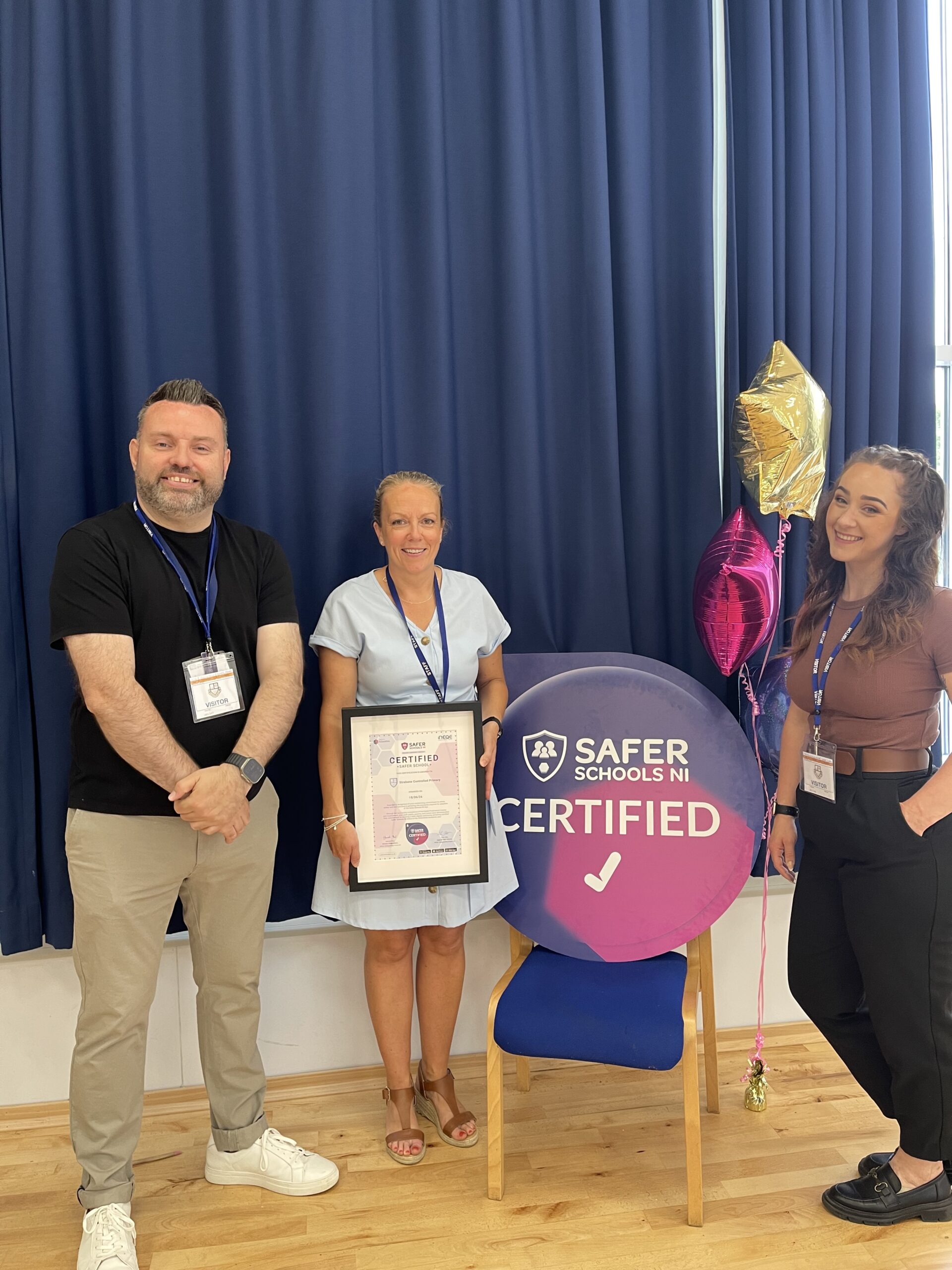
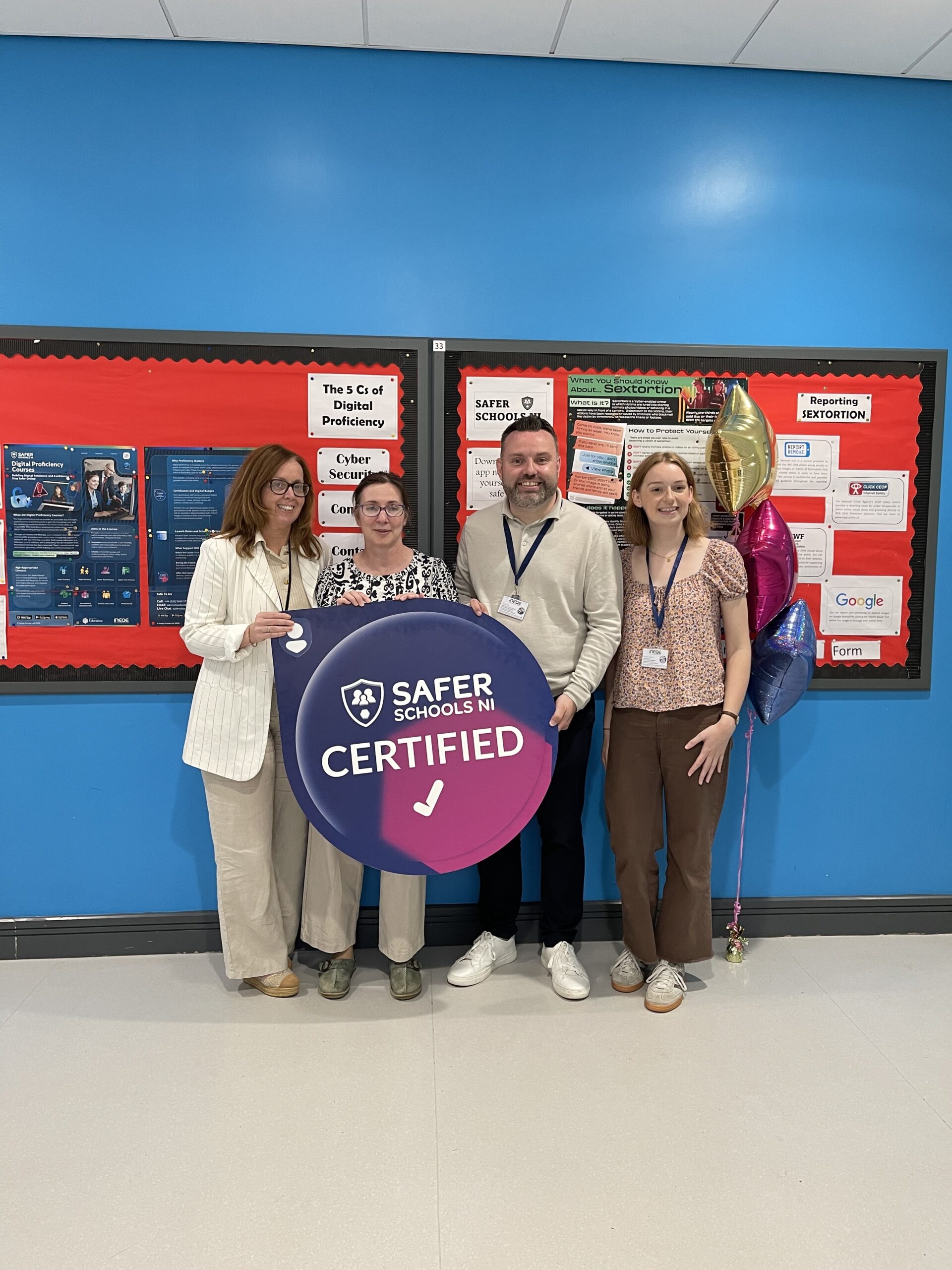
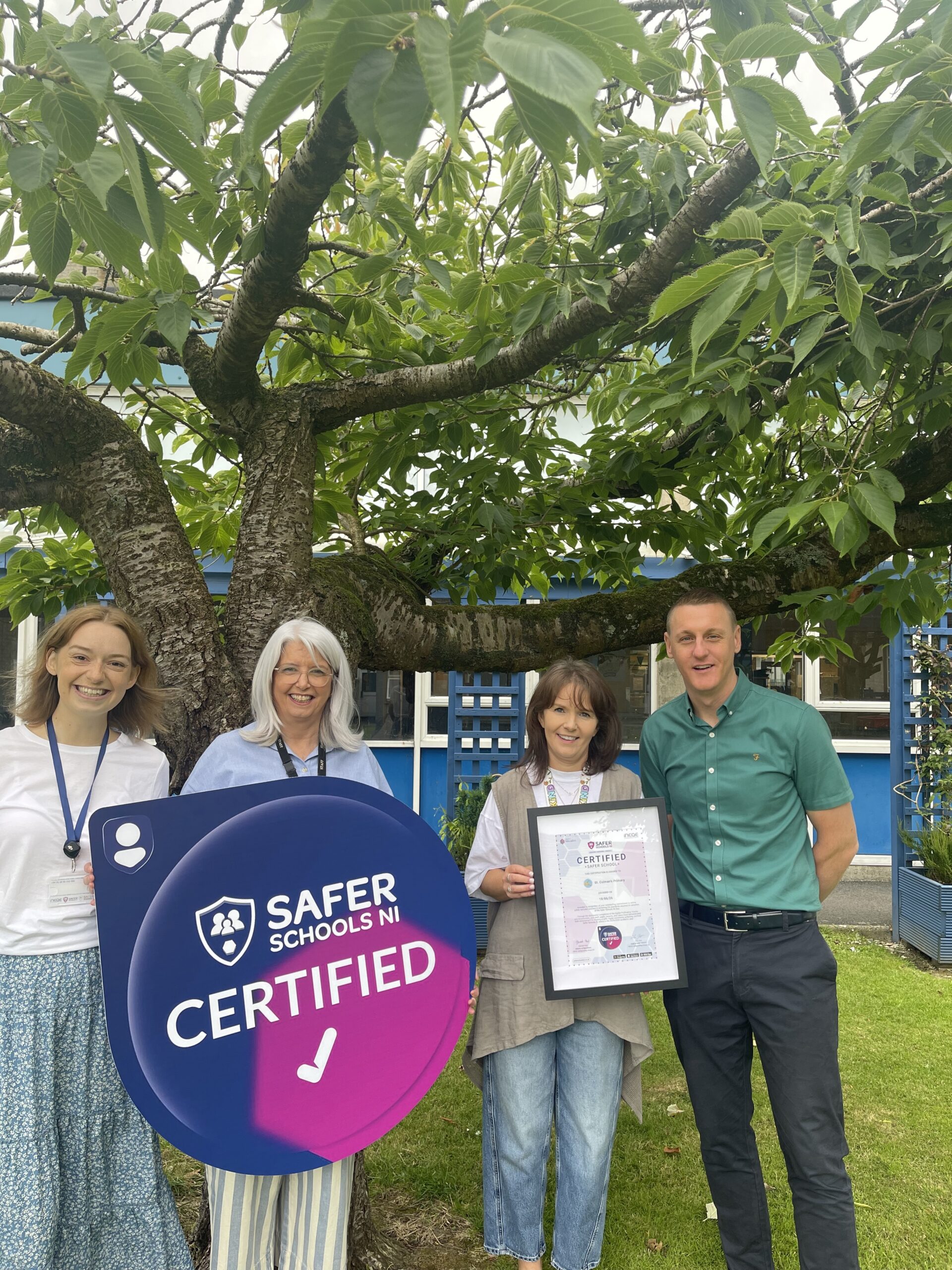
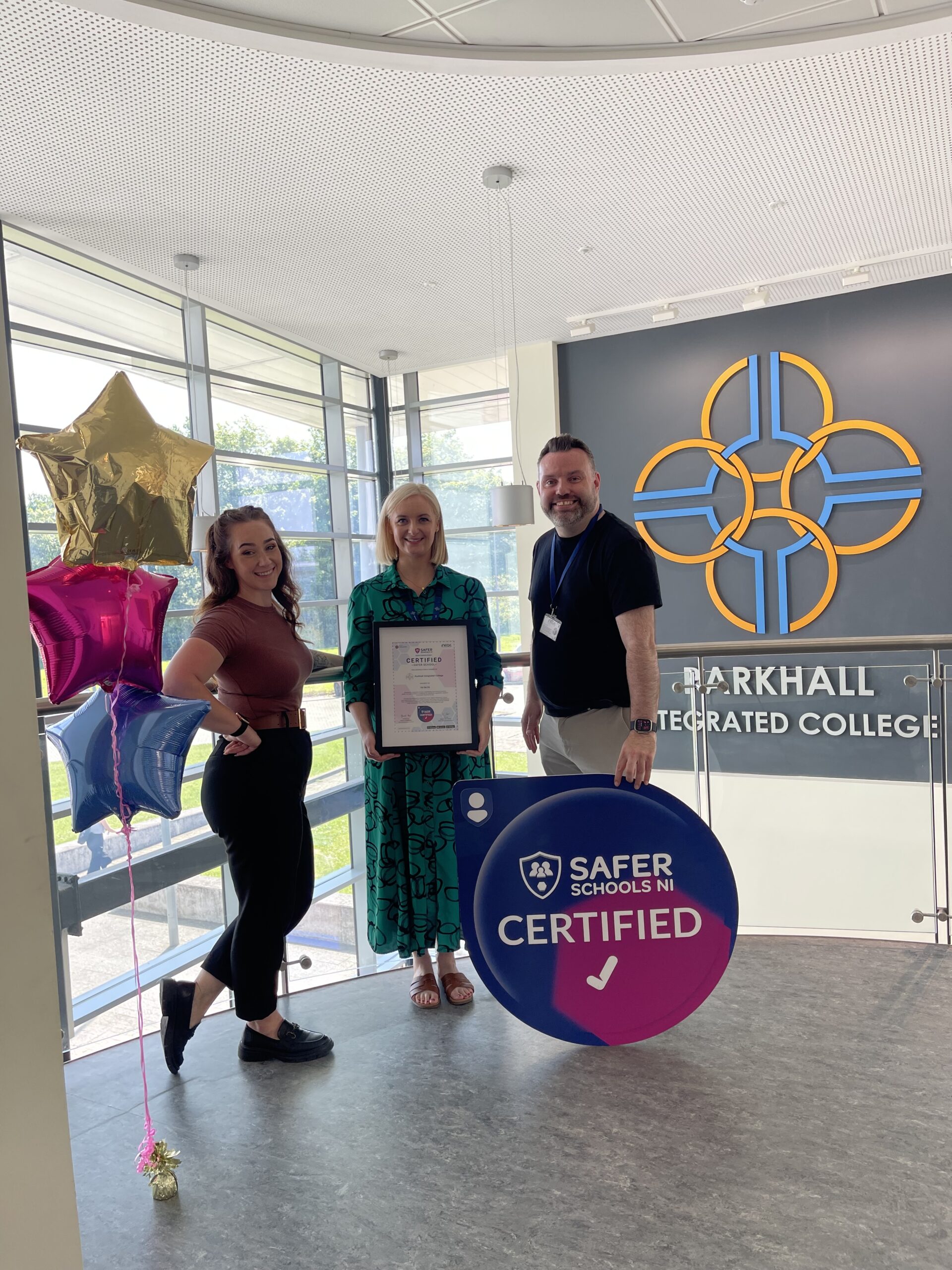
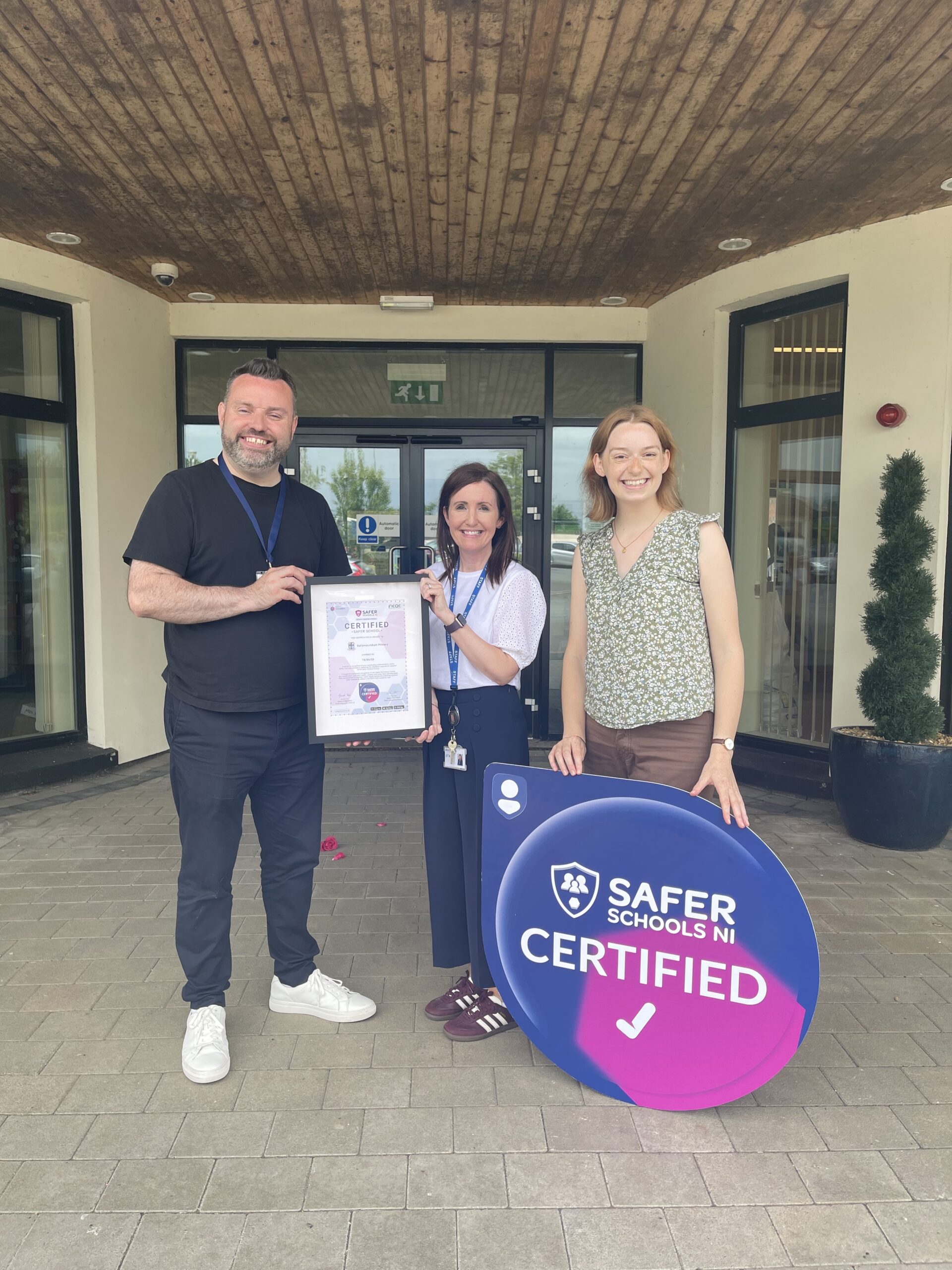
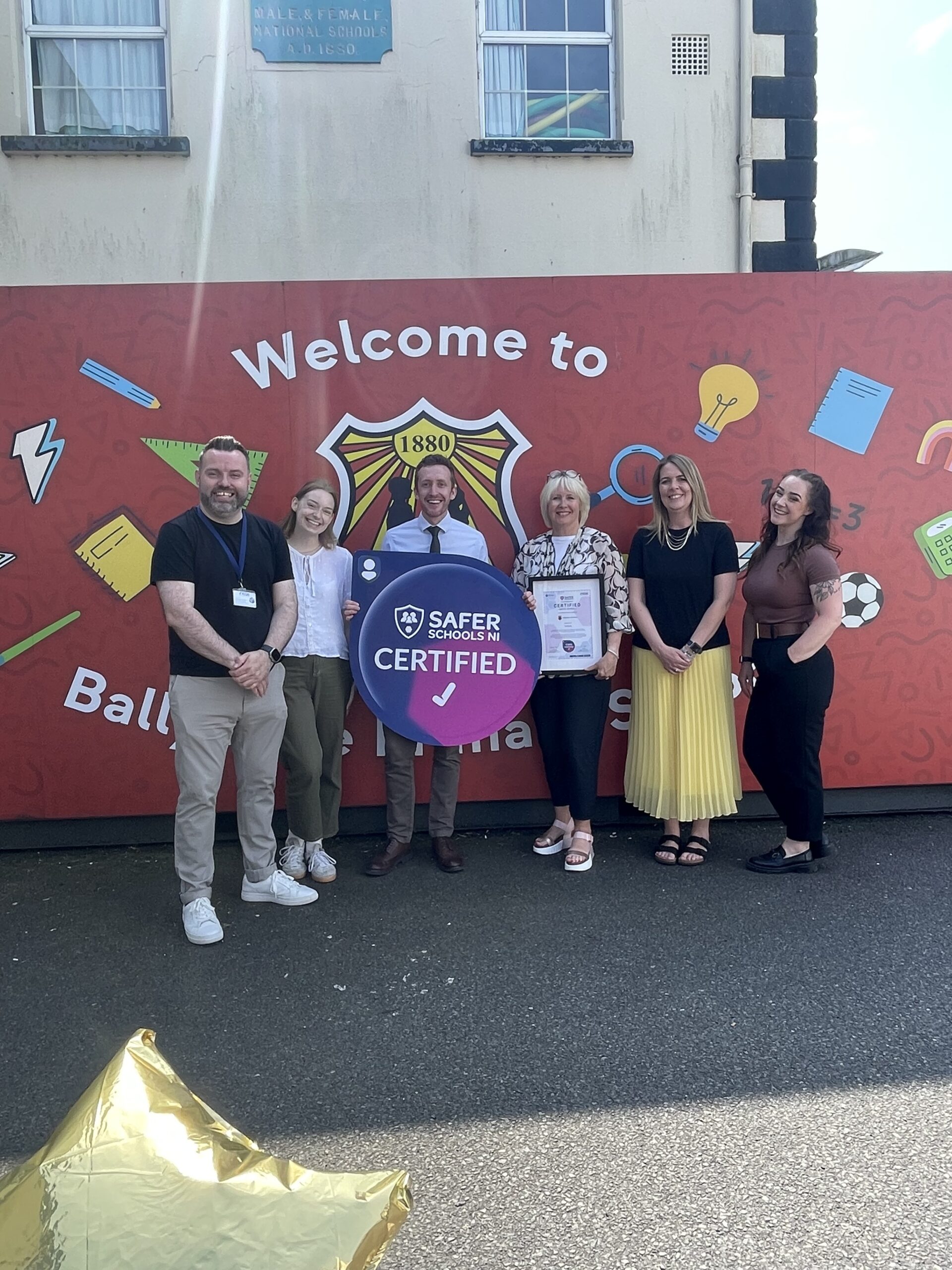
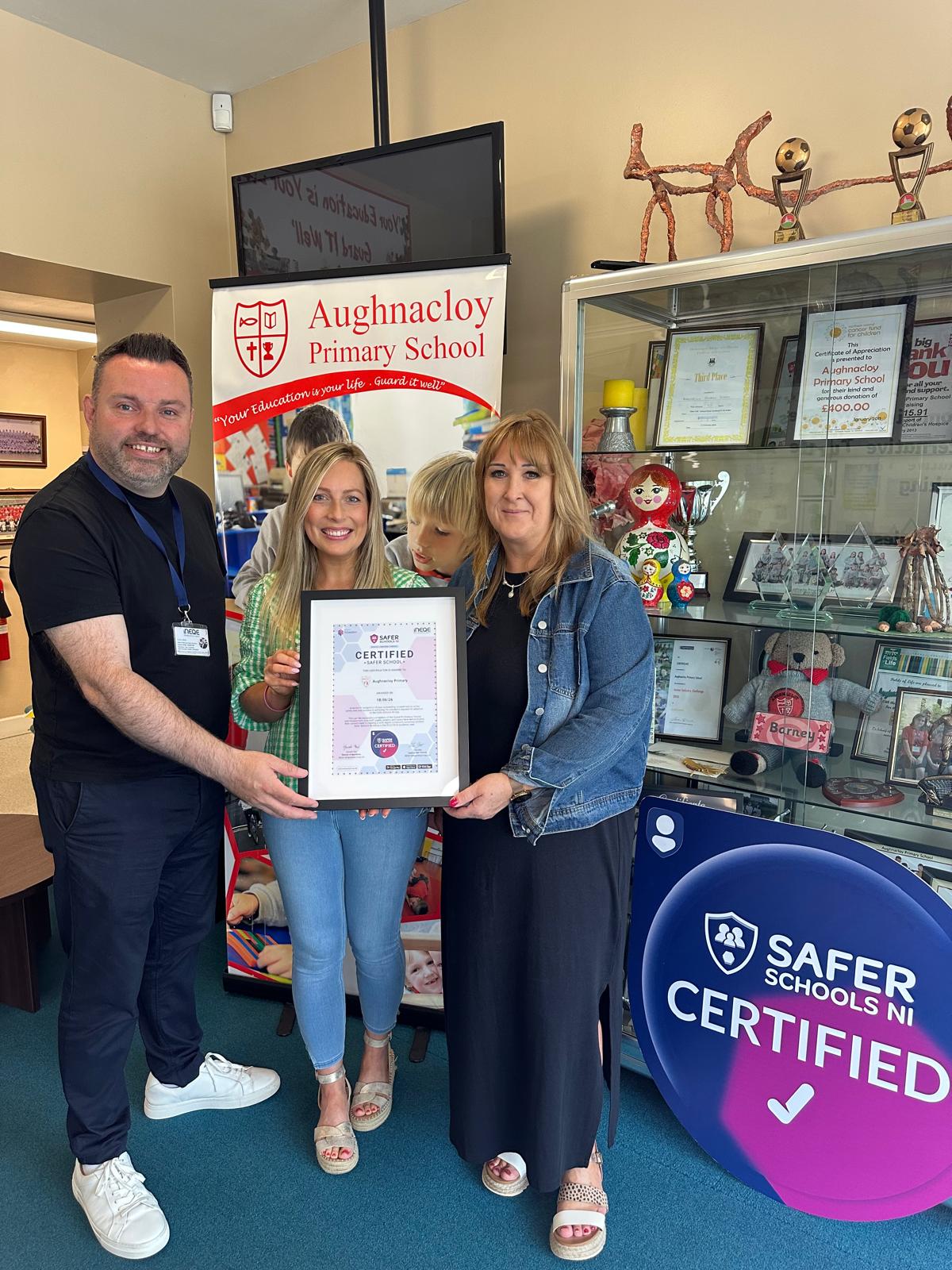
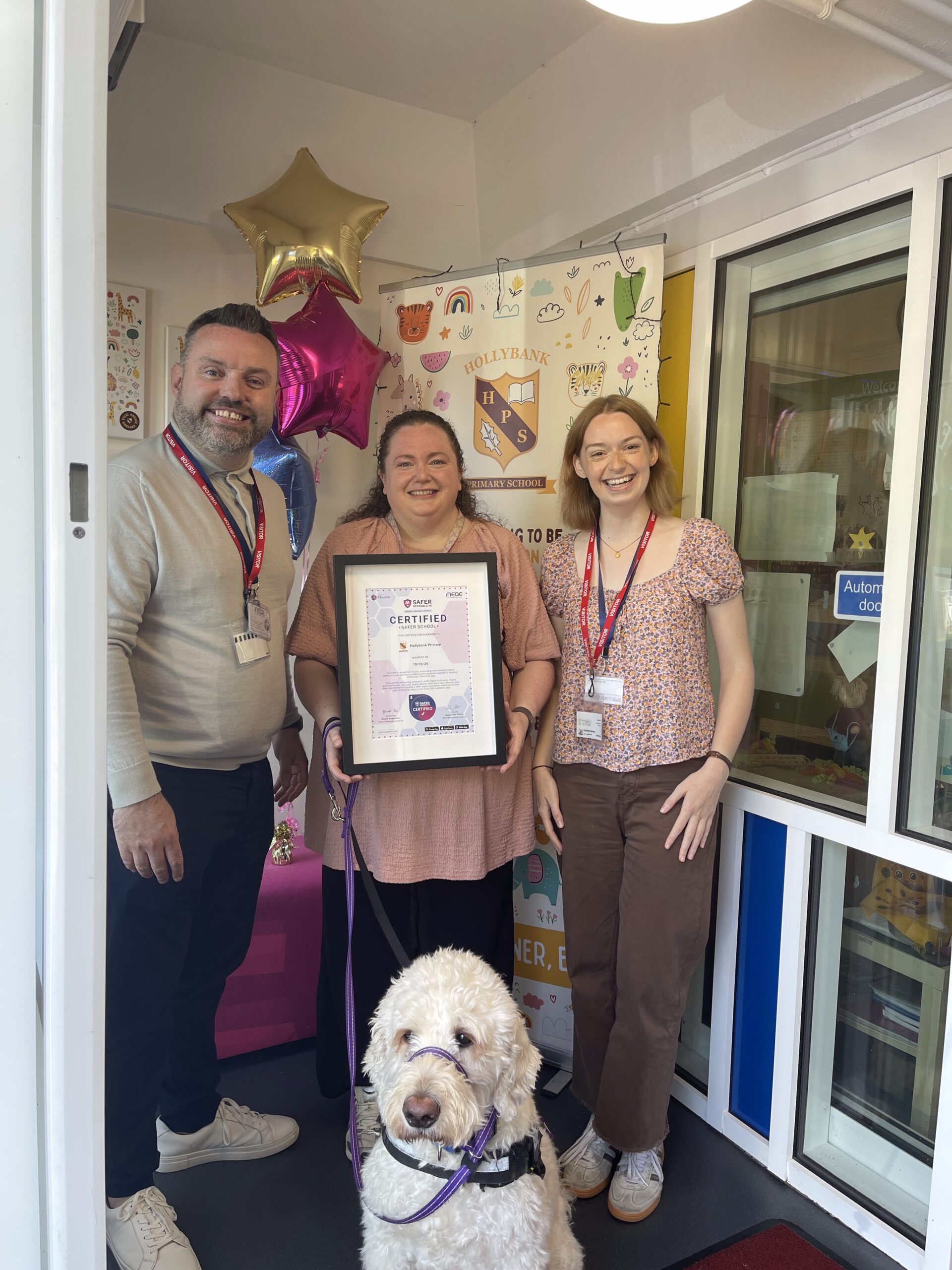
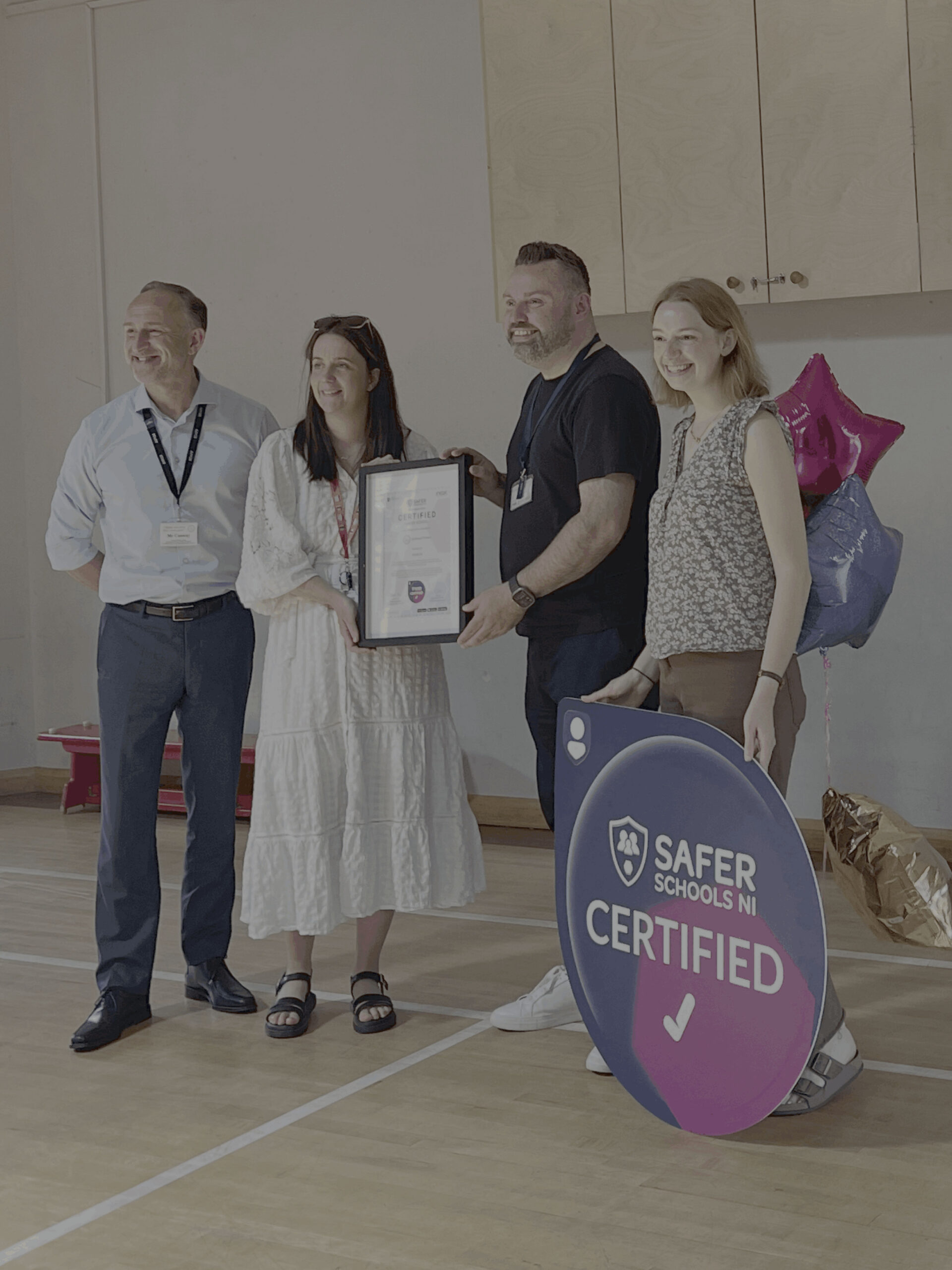
Click through to see photos from certification celebrations across Northern Ireland.
Strabane Primary School

St Patrick’s Academy Lisburn

Parkhall Integrated College

Learn More

What Is the Digital Proficiency Course?

What you’ll receive

School Support Resources

Before the Course

You’ll receive supporting resources including crib sheets and introductory guides on delivery, graphics to advertise your participation and communication templates for your school community.

During the Course

Reminders on course open and closure and your results as they happen via your Safer Schools Web Management Portal.

After the Course

Social Media and website graphics to promote your school’s proficient status and a complete picture of your school’s level of online safety proficiency.

Frequently Asked Questions

Due to popular demand and to ensure that every school has time to complete the course and test, we’re extending the deadline of the course to the beginning of the summer holidays. It’s not too late to start!
Due to the different delivery options, and considering discussion time, the duration of the course may differ. For a breakdown of the approximate course duration if videos are played back-to-back, see below:

  • Lower Primary Pupils – 5-7 minutes (intended to be teacher led with pause points)
  • Upper Primary Pupils – 20 minutes
  • Lower Post-Primary Pupils – 30 minutes
  • Upper Post-Primary Pupils – 35 minutes
  • Primary SEN – 20 minutes
  • Post-Primary SEN – 30 minutes
  • Staff – 45 minutes
  • Parents/Carers – 20 minutes
Yes, each user will require their own login to the app which is quick and easy to create. Staff and parents/carers can access with an email and password, then entering the unique school code distributed by your school (administrators can find this in the Management Portal).
Pupils do not require an email address or password; they simply log in using the dedicated pupil entry code provided by your school.
Reminder! QR codes must be scanned within the Safer Schools in-app QR code scanner, not a phone camera.
The Digital Proficiency Course seeks to involve and equip every member of the school community – staff, pupils and parents/carers. If your school can encourage an active participation from each group to complete the course and test, upon review, we would be delighted to award you the Certified Safer School badge and certificate. Contact us when you’ve completed the course, we’ll review your portal and get back in touch with your certificate and digital badge. This can be placed on your school’s website, social media and emails.
If you have already registered with us at Safer Schools, your school’s name should appear as a dropdown option when you log into the app or portal. If you are still unsure, or are having trouble logging in, feel free to drop us an email at [email protected] or call us at 02896 005 777.
Yes! From the 5th February, Safer Schools NI is launching the pupil role for the Web App so pupils can log in using your school’s dedicated log in codes on school devices.

We use Vimeo to host the Digital Proficiency Course content. In order to keep your children and young people safer online, C2K block pupil access to media streaming services, including Vimeo. If you are planning for your pupils to complete the course independently on school devices, please speak with your school’s C2K lead.

C2K have advised that pupils will need to be added to the dedicated group to allow Media Streaming Services a minimum of 4 hours before they attempt to access the course. Once complete, they can be removed from this group.

If you are unsure how to do this, contact the C2K Service Desk on 0800 0931 541 (available 08:00 – 17:00) or through the Online Service Desk Portal on MySchool. Staff accounts are unaffected, and if a teacher is leading the course as a whole class, no action is required. The test is unaffected as it does not contain videos.

In order for your result to be registered within your school’s portal, your school community must log into your school’s Safer Schools app account using either the dedicated 4 digit entry code or QR code for your school.

If you have found that some of your school community’s results have not been registered in your portal, you can reach out to our service team who can locate their results on our system.

For further support check out our support articles by clicking the button below!