Last Updated on 15th January 2026
Reading Time: 2.5 mins
January 15, 2026
Copyrighting Content
In the UK, photographs, illustrations, and other images are generally protected by copyright – meaning that users will usually need the permission of the owner to copy the image or share it on the internet. This includes images taken on mobile phones or cameras.

Jim Gamble QPM Chief Executive Officer
Ineqe Safeguarding Group





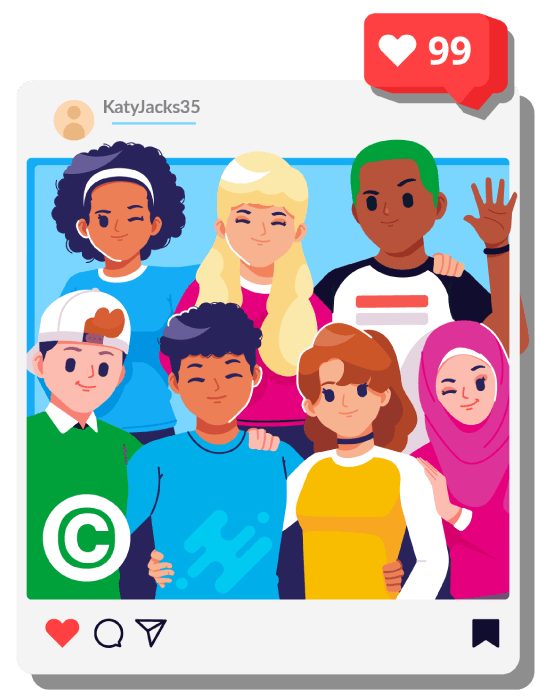
You can include the copyright symbol © on your images to make the processing of reports quicker. While not required by law it helps you establish ownership of the image.

Top Tips and Talking Points
Use our top tips and talking points to start conversations with the young people in your care.
Pause before posting
Talk to the young person in your care about what they’re posting online. Content that may seem innocent to them could contain information and images that are potentially harmful or could be misused.
Encourage them to ‘pause before posting’ – have they reflected on who they want to view the content? Posting something publicly means anyone can see it. Are they giving away information without realising (such as anything visible in the background)?
This also applies to parents and carers too. ‘Sharenting’ is the act of sharing information online about your children, creating a digital imprint. Find out more about the risks of sharenting and why we all need to be careful what and where we’re posting.
Talk about Safety & Privacy Settings Together
Using our Safety Centre, learn together how to use safety settings and talk about parental controls, including why they’re important and why you should both remember to check them regularly for any updates or changes to the settings.
Remind your young people that platforms have settings to prevent reuse, ‘stitching’ or ‘duets’ being created with their content. Consult the platform’s help centre for further guidance on how to set this control.
Trusted Adults
Make sure the children and young people in your life know who their Trusted Adults are so they understand who to turn to if they’re worried, stressed, or upset. Remember, even if a young person doesn’t know whether their photo has been used or not, they may still be worried or upset about it. Use our Trusted Adult resources to help.
Taking back control
If a child or young person has posted self-generated sexual imagery, or it has been shared online by others it’s important to know what steps you can take to support them. Read our article on taking back control of self-generated images or visit the Image Sharing section of your Safer Schools NI App.
Join our Safeguarding Hub Newsletter Network
Members of our network receive weekly updates on the trends, risks and threats to children and young people online.